Give livelier presentations
Instead of clicking through slides, you can swipe, zoom, or draw right on the screen to highlight key points. It keeps your audience engaged, whether you're brainstorming together in a meeting or presenting remotely.
CHITON MAGIC SCREEN
Navigate with ease. Scrolling webpages and zooming in on photos is direct and effortless. Trackpad gestures work great but third party apps like BetterTouchTool can take custom gestures to a whole other level.
Magic Screen comes ready with its own stylus that supports pressure sensitivity and mark preview, offering an ultralight and affordable alternative to bulky drawing tablets and expensive iPads. Start creating anywhere, anytime.
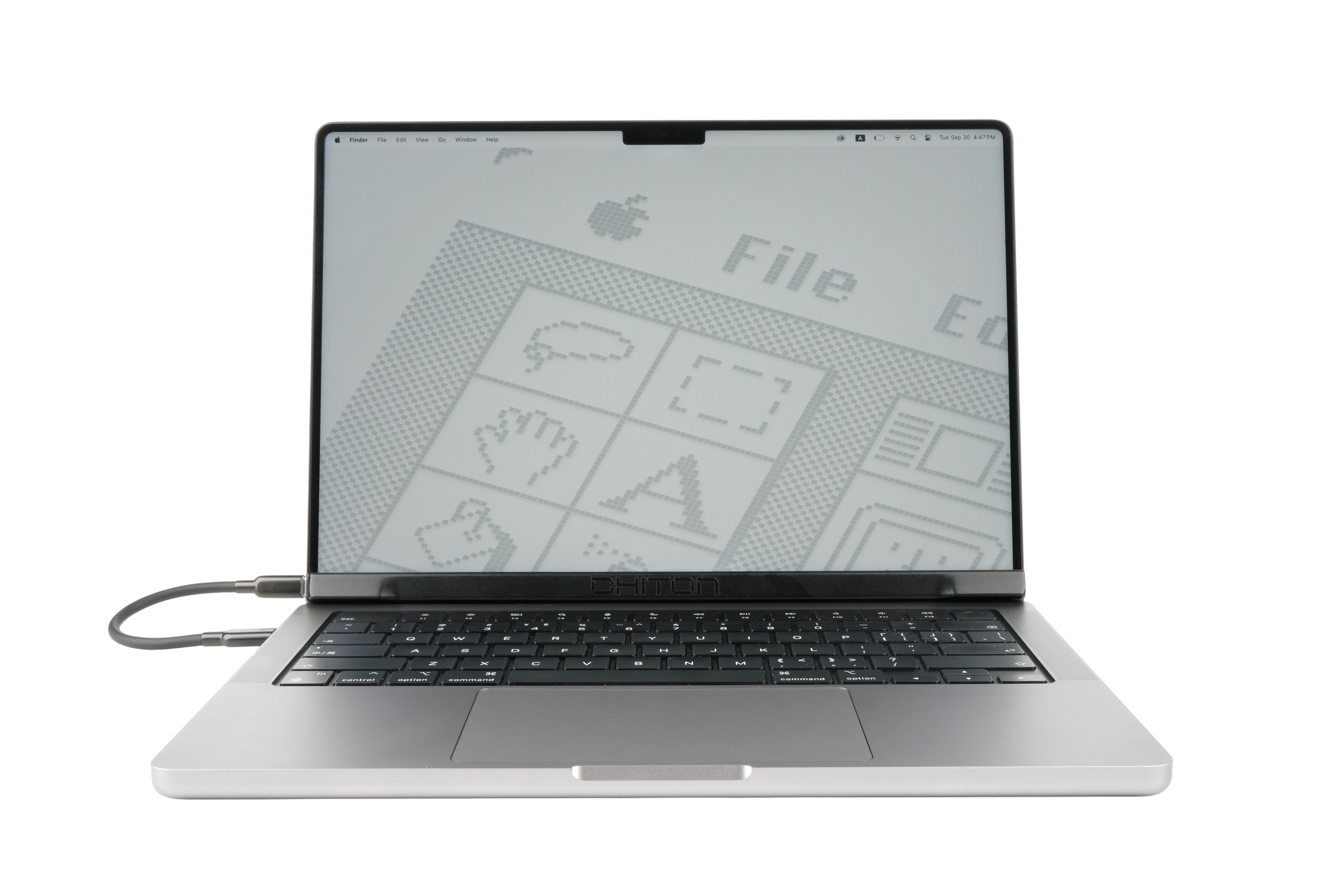
Magic Screen is designed to add barely any bulk to your MacBook or everyday carry. Its zero footprint allows it to fit perfectly on your lap, a tray table or any small space.
Simply attach Magic Screen to your MacBook display. It utilizes the magnets in the display to align itself and make a secure attachment.
Connect Magic Screen to your MacBook using the USB-C cable.
Once the software is installed, use touch naturally—tap, swipe, or pinch anywhere on the screen.

Instead of clicking through slides, you can swipe, zoom, or draw right on the screen to highlight key points. It keeps your audience engaged, whether you're brainstorming together in a meeting or presenting remotely.

For touch-friendly games and software like point-and-click adventures or music production apps full of sliders and knobs—the experience becomes incredibly immersive. You can focus entirely on the action, without ever touching another peripheral.

Using the virtual iPhone without the awkwardness of a mouse or trackpad, feels just right with touch. You can take advantage of the bigger display to use your iOS apps.
The stylus unlocks the full potential of Magic Screen with its pixel-perfect precision that feels like an extension of your hand.
NOTE-TAKING

Handwritten notes stick better and feel way more personal than typing.
ILLUSTRATION

Bring your art to life with pressure-sensitive strokes that feel just like a real brush or pencil.
3D MODELING

Sculpt and shape digital clay with intuitive, hands-on control to create stunning 3D models.
PHOTO EDITING

Make perfect selections and retouch photos with pinpoint accuracy for flawless results.
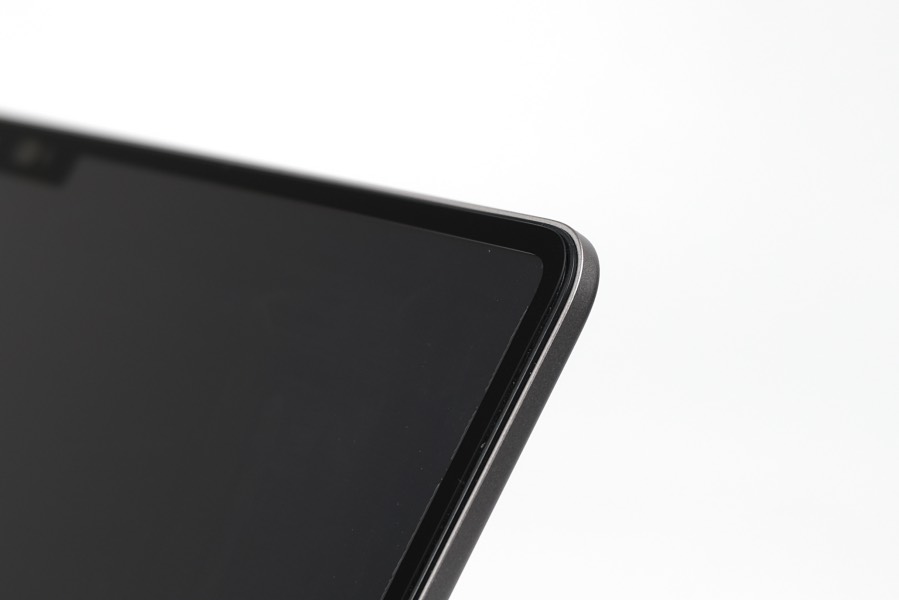
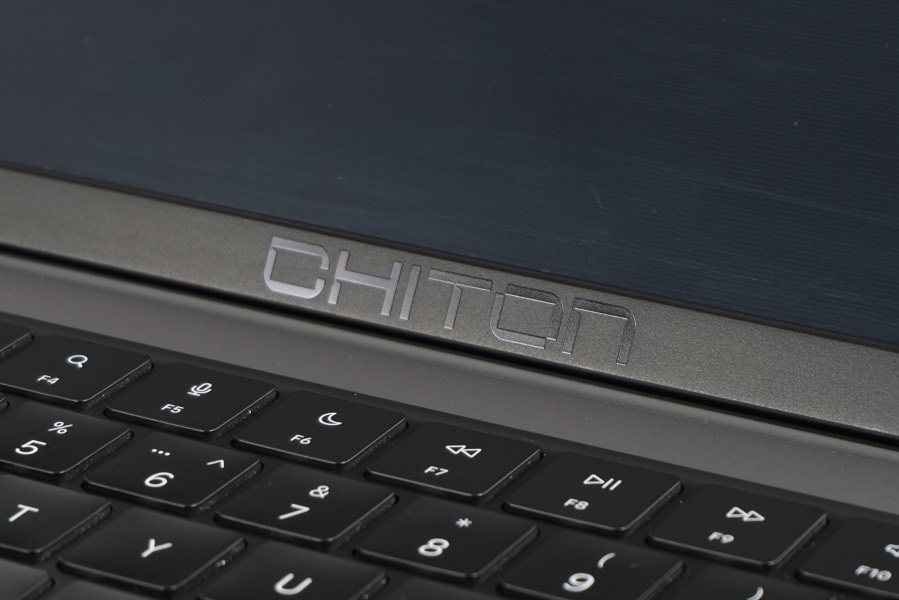
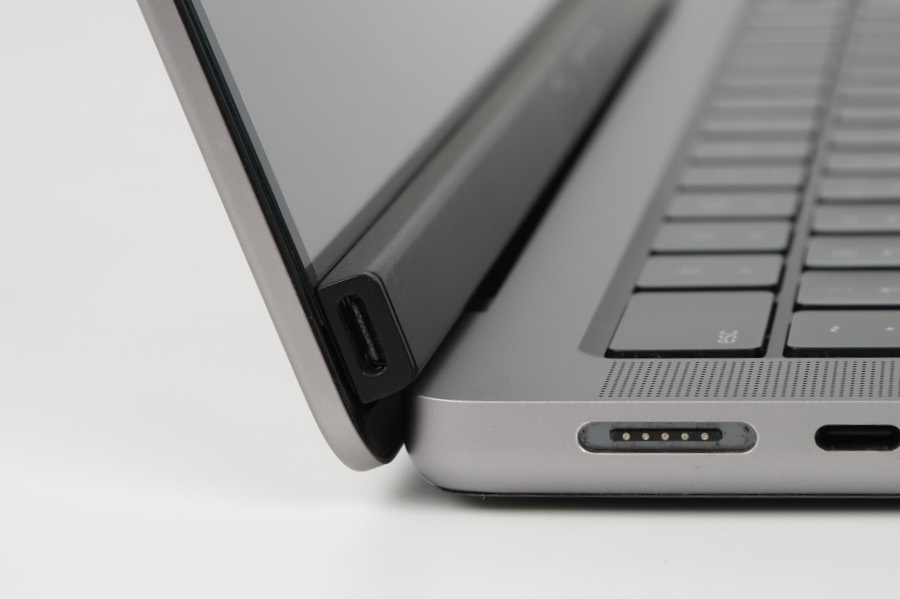
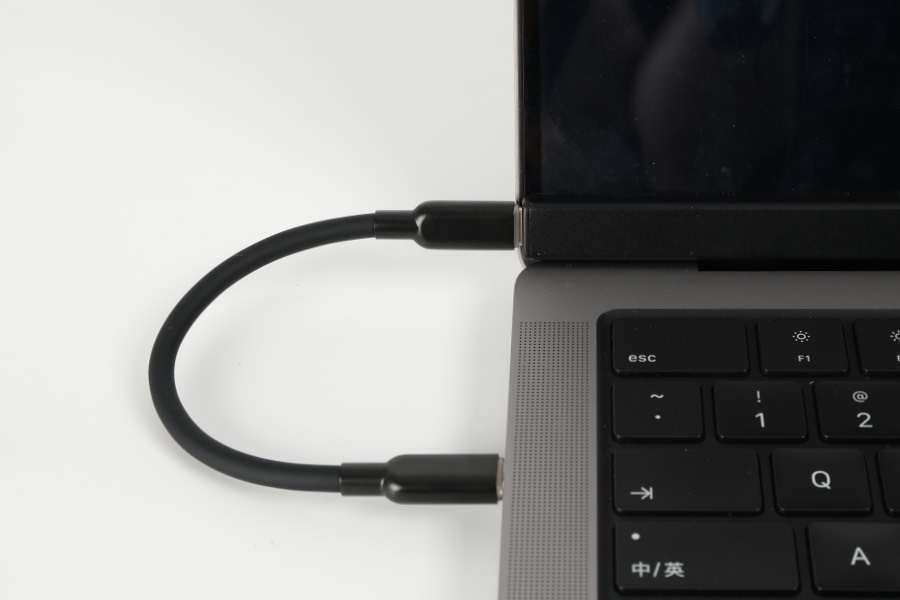
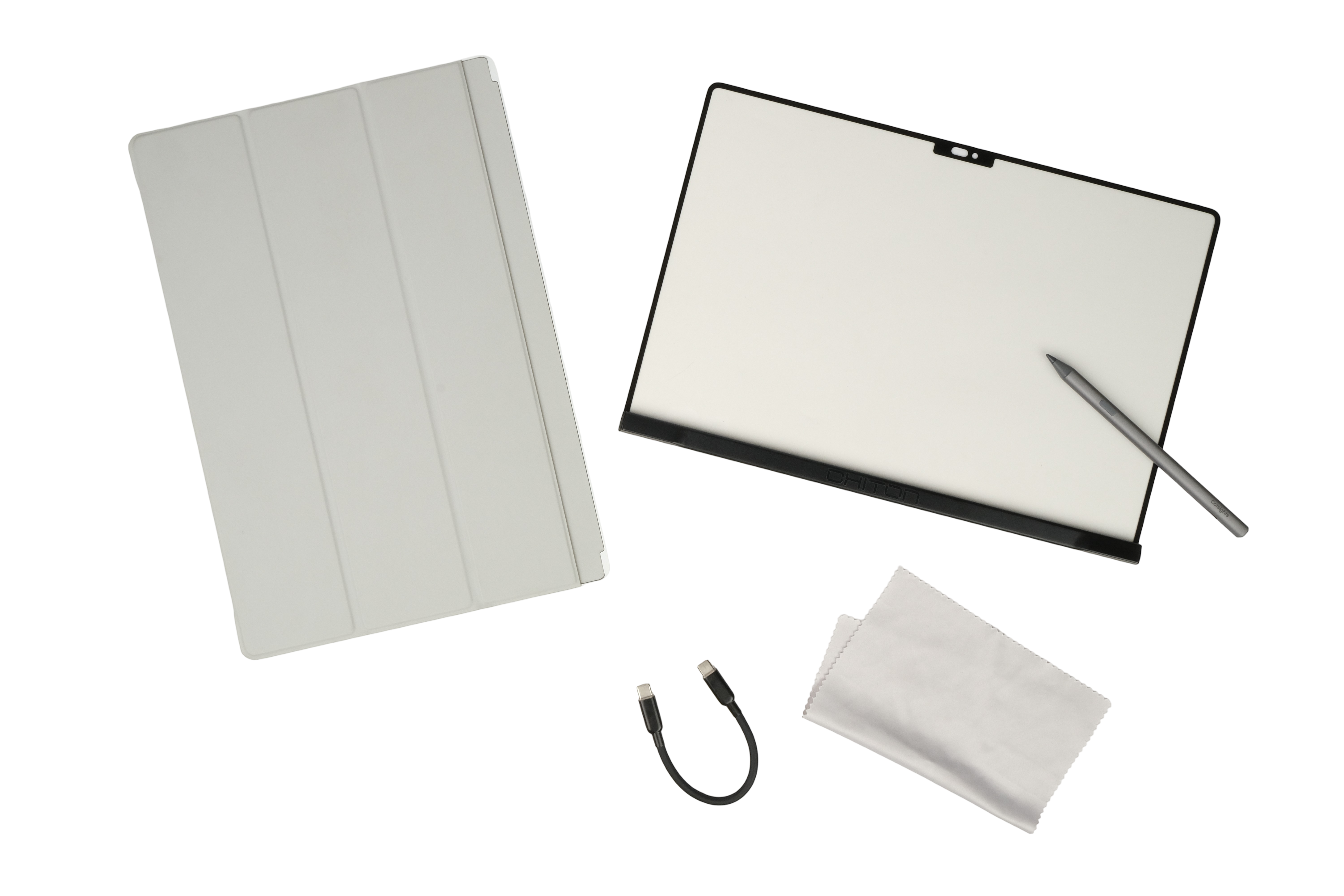
The slim Folio Case protects Magic Screen against scratches and minor drops. The magnetic backing also attaches to your MacBook so you can carry both of them with ease.
The Folio Case makes packing everything frictionless.
With a touch overlay, you can freely use touch without the worry of leaving fingerprints on your MacBook display.
Touchscreen laptops often wobble when you touch the screen. Our Folio Case folds into a sturdy triangle that braces against your MacBook, minimizing wobble significantly.
Magic Screen will be compatible with all MacBook models that feature a notched display.
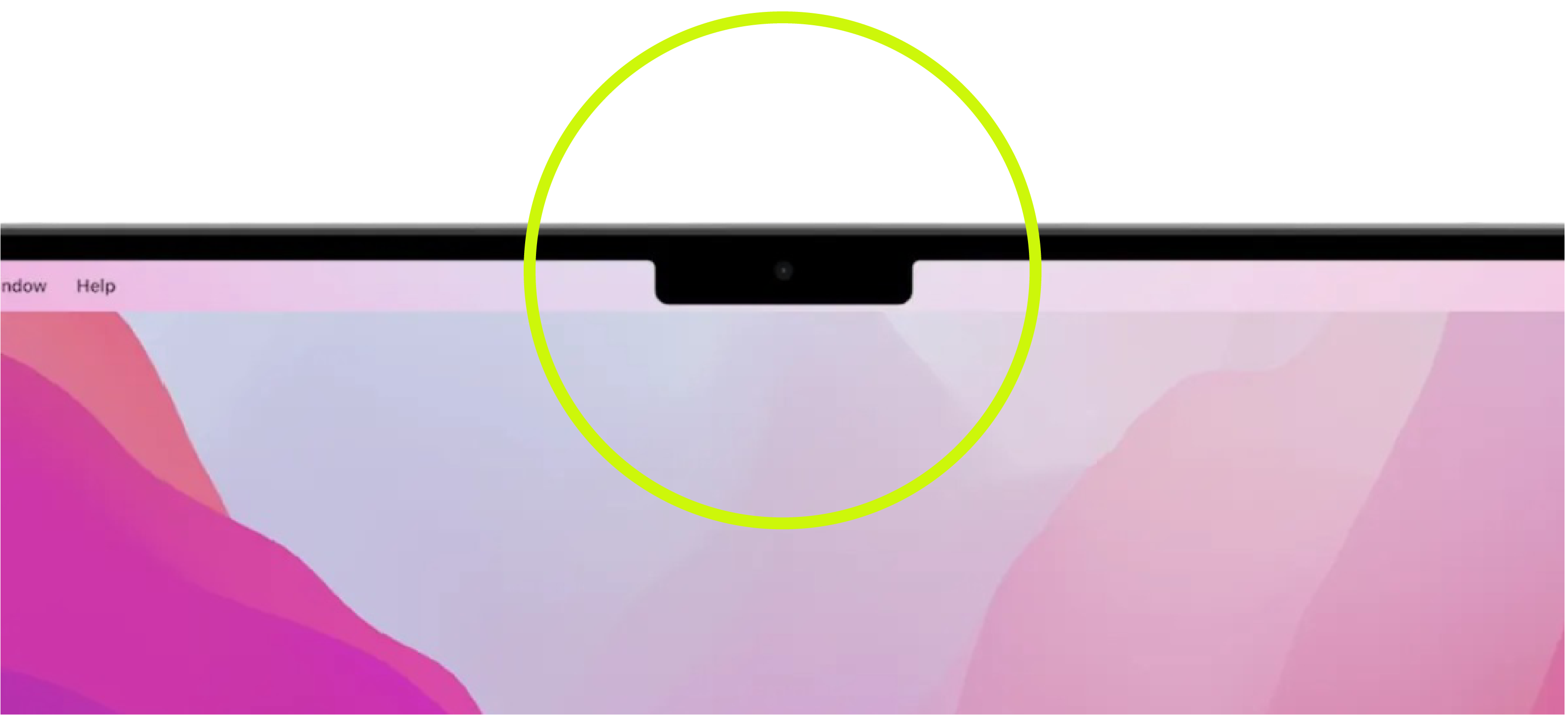
Want your model supported? Join our email list and let us know which model you have.

For years, we’ve been at the heart of touch screen
innovation, manufacturing digitizers that power touch
screens worldwide. But we always dreamed of creating
something uniquely ours—a product that blends our expertise
with a dash of bold creativity.
To mark this new venture, we founded CHITON for bold and exciting ideas we're passionate about bringing to life. Magic Screen
is just the beginning, and we can’t wait to see how you’ll use it.
Still have questions? Contact us.